MyFi Support
We're a small team and we read every message. Email wleslie@merrystoneinc.com and we'll usually reply within one business day. Tell us your iPhone model and iOS version, and what you were doing when the problem happened.
How do I add my transactions?
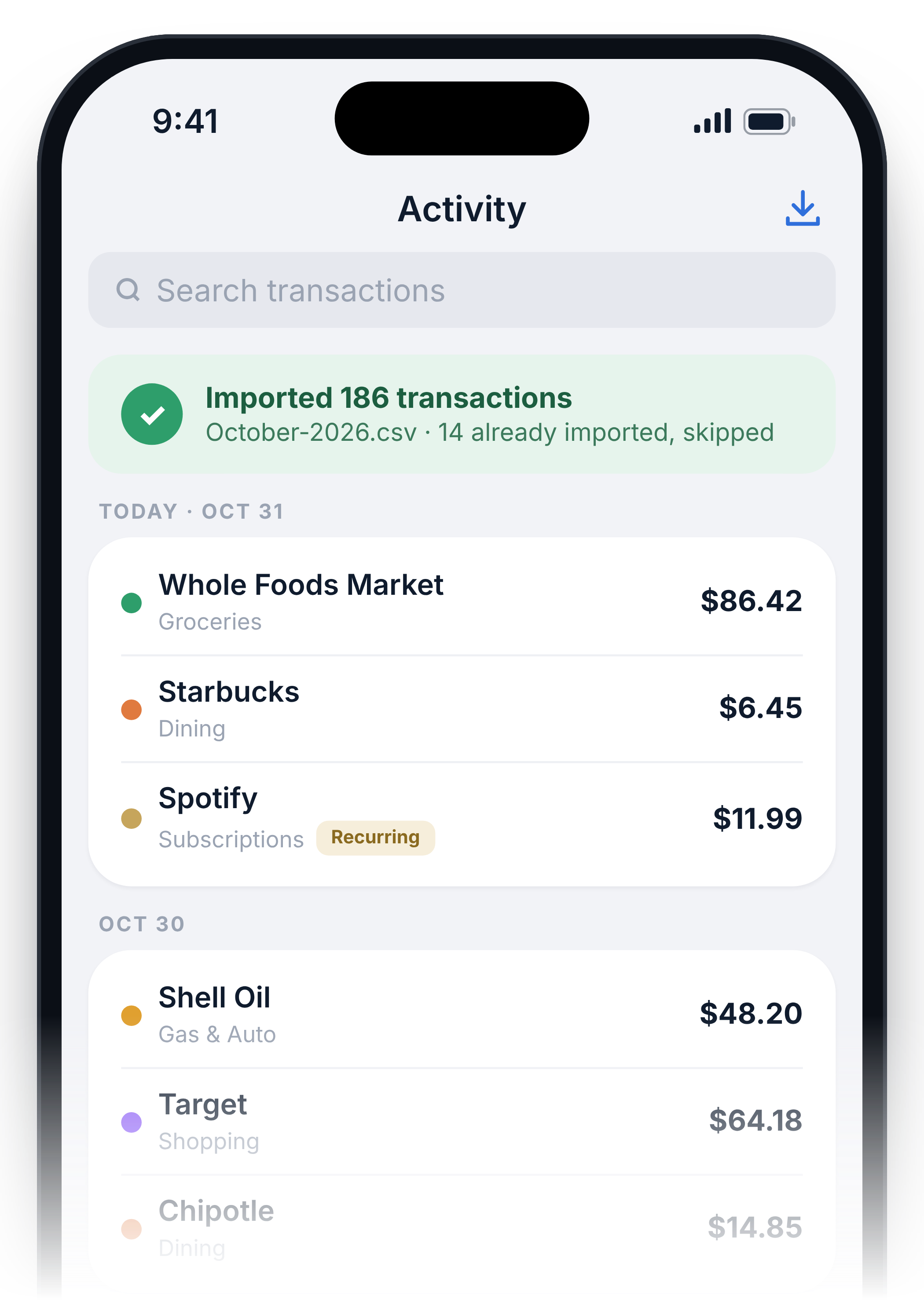
Download your statement or transaction history from your bank's website as a CSV file and save it to the Files app. In MyFi, go to Activity and tap the import button, then choose the file. MyFi skips anything it has already imported, so overlapping files are safe.
Which banks work?
Most banks and card issuers offer a CSV export, and MyFi reads the common formats. If a file won't import, email it to us with the amounts and names blanked out and we'll add support for it.
Where is my data stored?
Only on your iPhone. MyFi has no account and no servers, and it never connects to your bank. See our MyFi Privacy Policy for details.
Why is a charge flagged as a possible duplicate?
MyFi flags charges from the same merchant, within 7 days, and within 5% of each other in amount. Many are legitimate, like two coffees in a week. Check flagged pairs against your statement and contact your card issuer if one is wrong.
How do I restore my purchase on a new phone?
Install MyFi with the same Apple Account and tap Restore Purchase in the app. You'll need to re-import your statements on the new phone, unless you restored the phone from an iCloud backup.
How do I delete my data?
Use Reset in the app, or delete MyFi from your iPhone.